A DIFFERENT WAY TO CONNECT
A worldwithin reach.A cursorin the way.
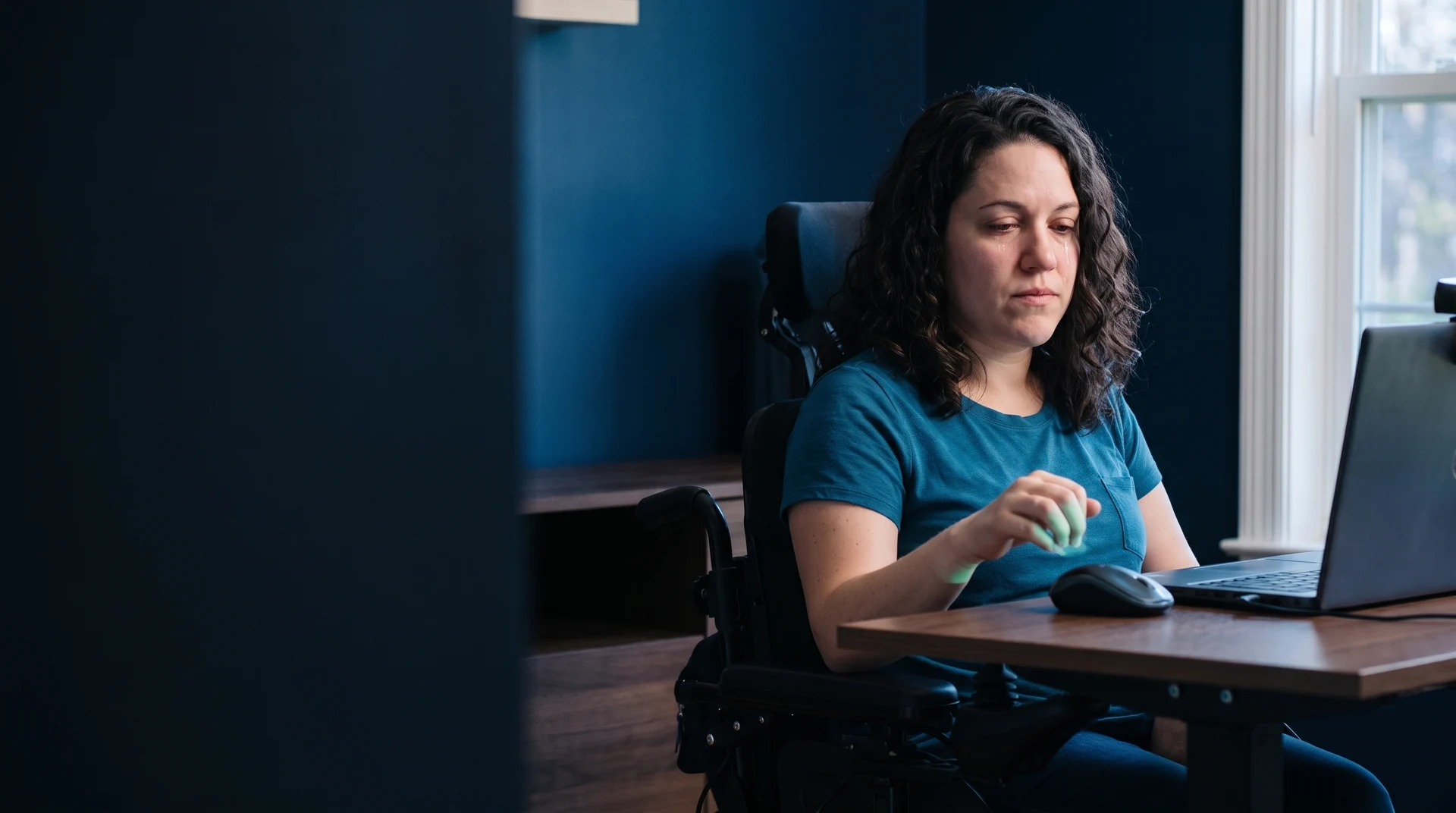
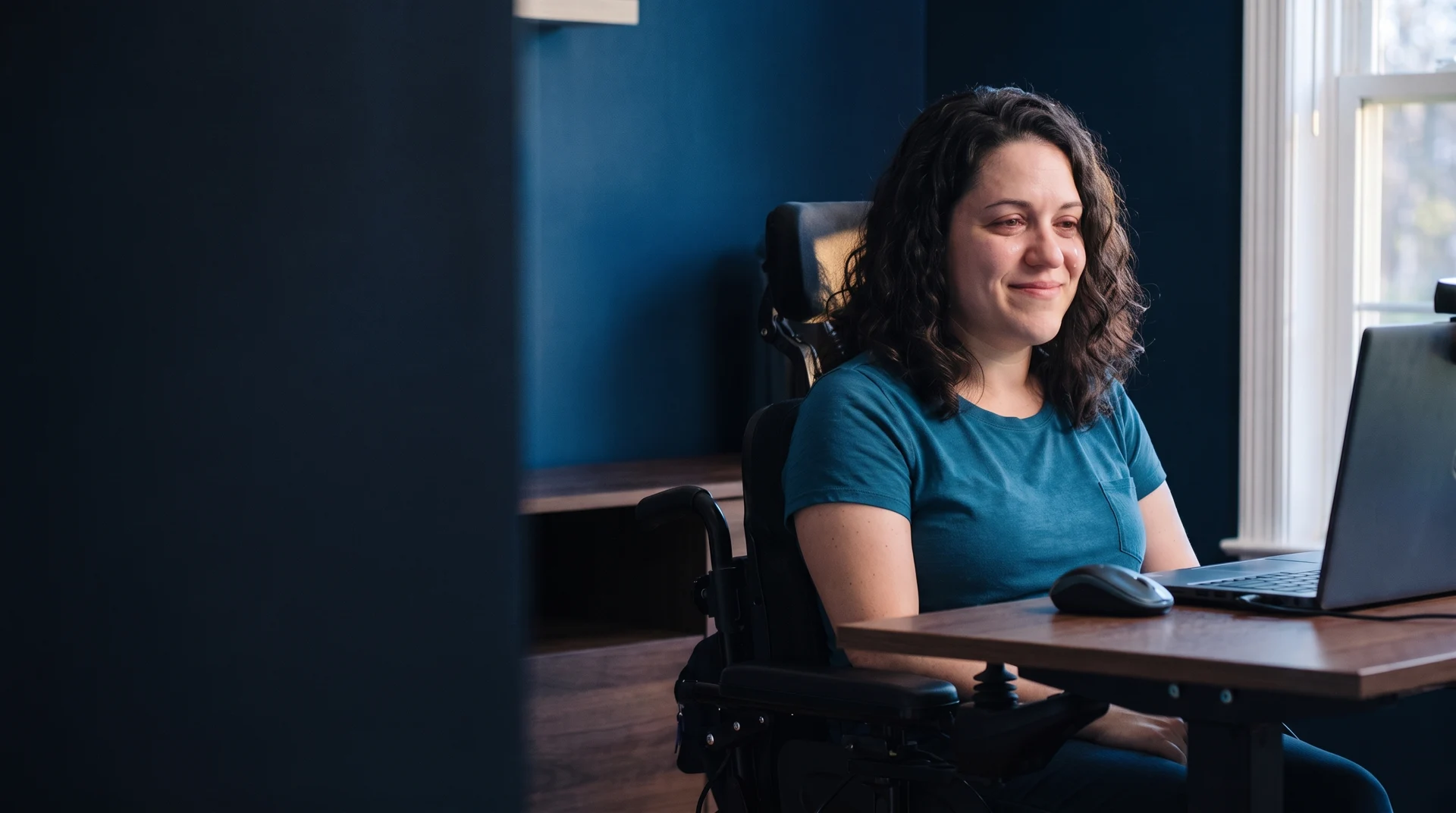
For someone with a physical disability and limited hand movement, a conventional mouse can turn an everyday task into a barrier.
 IMOUSE
A DIFFERENT WAY TO CONNECT
For someone with a physical disability and limited hand movement, a conventional mouse can turn an everyday task into a barrier.
MEET IMOUSE
Computers open doors. The way we use them should, too. IMOUSE offers camera-guided cursor control for people who find a conventional mouse difficult to use.
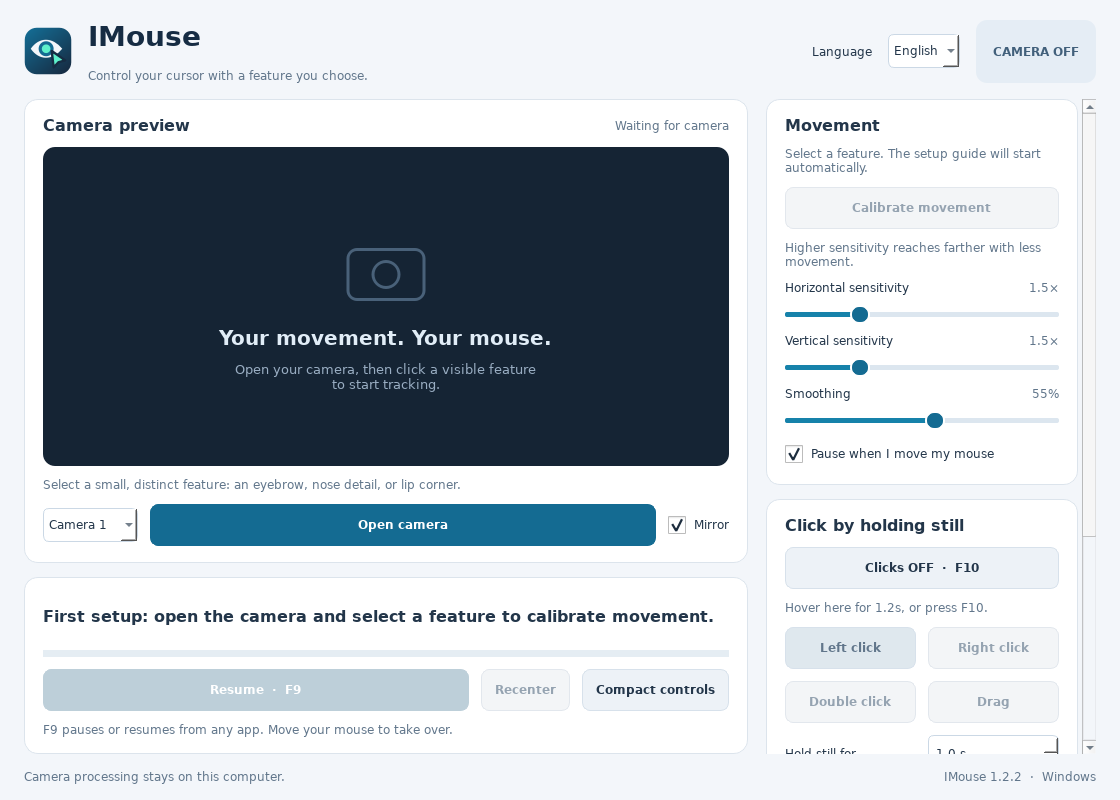
The actual IMOUSE interface. Built around your comfort.
Choose a visible feature, then calibrate to your comfortable range of movement. Adjust sensitivity and smoothing to suit your setup.
Hold the cursor still to click. Switch between left click, right click, double click and drag from the compact controls.
Hover over the compact panel’s up or down arrow to scroll. Move away to stop, without reaching for the mouse.
Camera images are processed on your computer. IMouse does not save or transmit them, and runs without an internet connection.
EVERYDAY INDEPENDENCE
More space for your ideas, your conversations, and the things you love.
Find your comfortable setupSTART WITH COMFORT
A webcam, a Windows computer, and a comfortable position. Begin with the movement that works for you.
Save the setup guideLaunch IMouse on Windows. Open the camera and choose a small, clear feature in the preview, such as an eyebrow detail or part of your nose.
Follow the movement guide: rest, left, right, up, down, then relax. Use small, comfortable movements. Your range is saved for later sessions.
Adjust sensitivity and click timing. Use compact controls while you work. F9 pauses or resumes control; F10 toggles dwell clicking.
YOUR NEXT CHAPTER
Download IMouse 1.2.4-Preview for Windows. Extract the ZIP before running the app, then start with a comfortable seat and your webcam.
Download IMOUSE 1.2.4-PreviewPreview release · Windows ZIP · 116.6 MB · Hosted on GitHub
Release details & checksum ↗Your movement.
Your mouse.
GUIDANCE THAT FITS YOU
Explore setup guidance or discuss customization for your movement, workspace, and everyday tasks.
Ask about trainingHELP OPEN MORE DOORS
Interested in supporting IMOUSE? Contact the team to discuss a donation and how you would like to help.
Arrange a donationOpens an email enquiry. No payment is collected on this website.
A setup that fits you. Keep your selected feature visible and well lit. Tracking depends on your camera and position; recalibrate when your seating or camera changes. IMOUSE controls the primary monitor.
Stay in control. F9 pauses camera control. Moving your physical mouse also pauses it by default. Initial setup requires selecting a feature in the camera preview.